.jpg&w=3840&q=75)

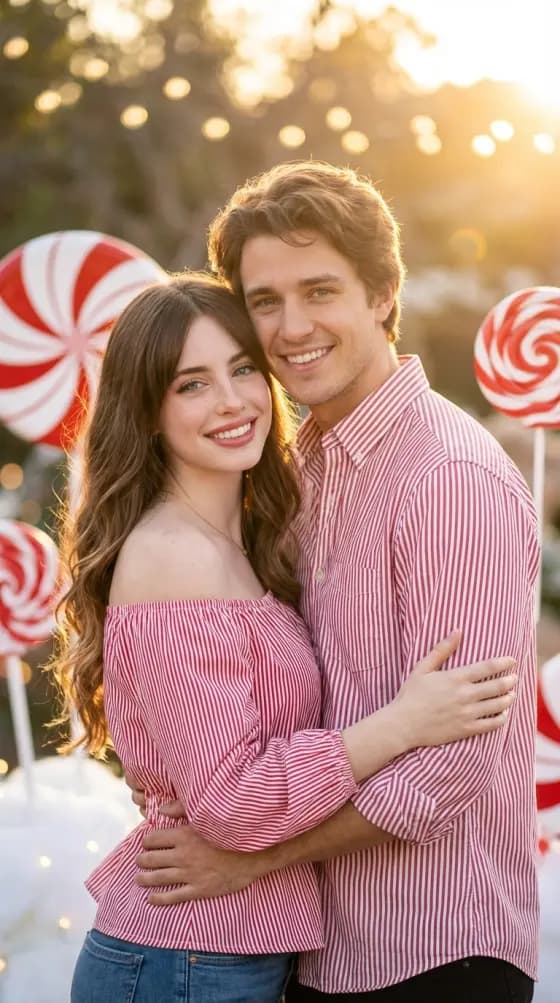
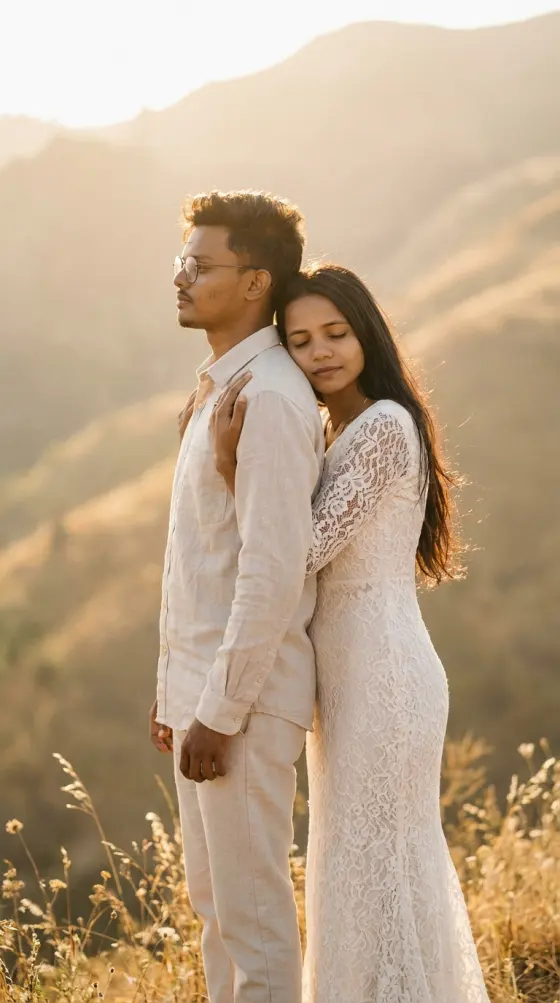
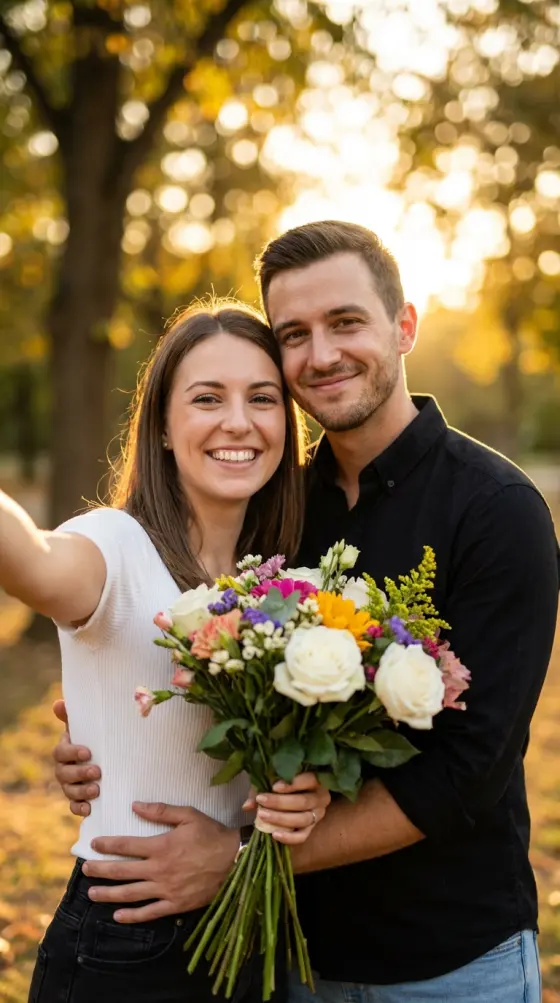
01
Choose
Pick the AI photo effect you want.
AI Generator Studio
Create AI photos and videos with face editing, clothes changing, couple photos, and image-to-video tools.
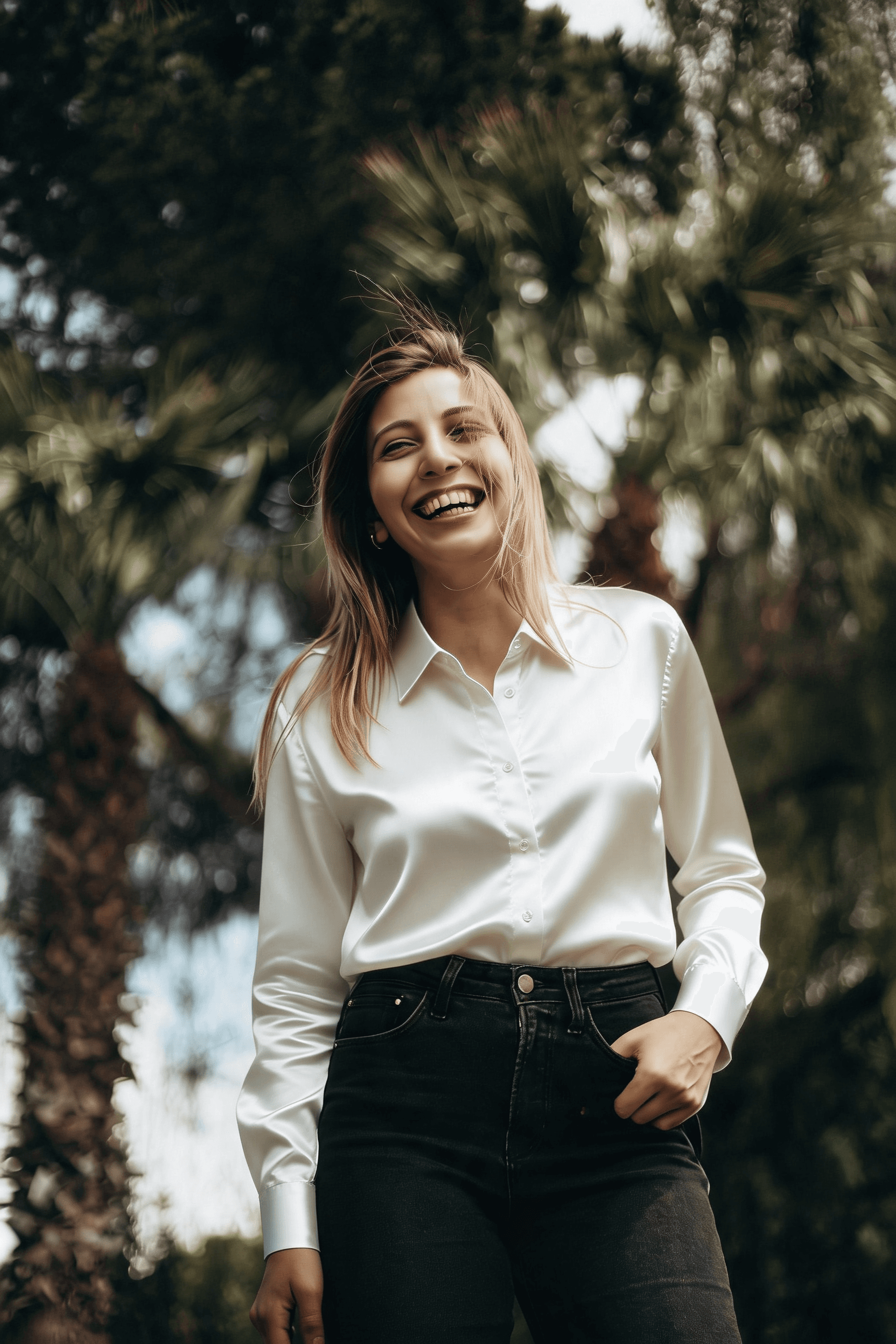
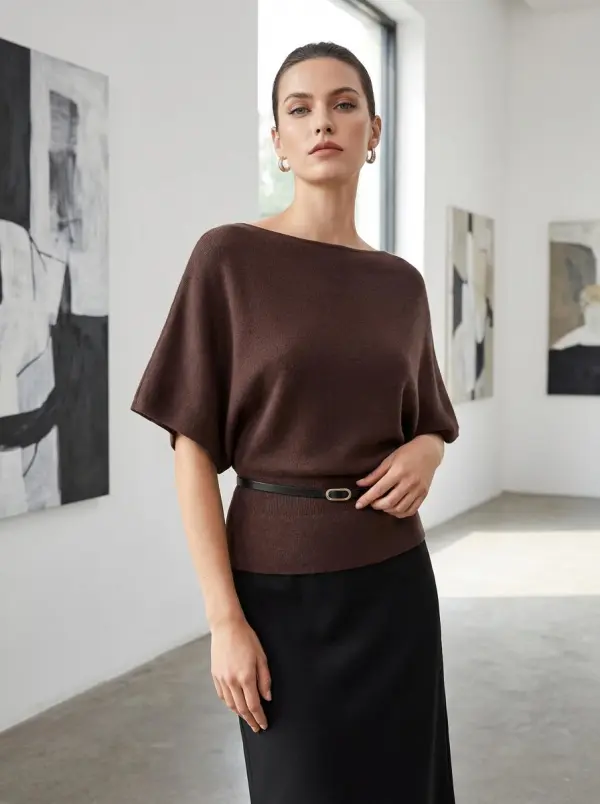
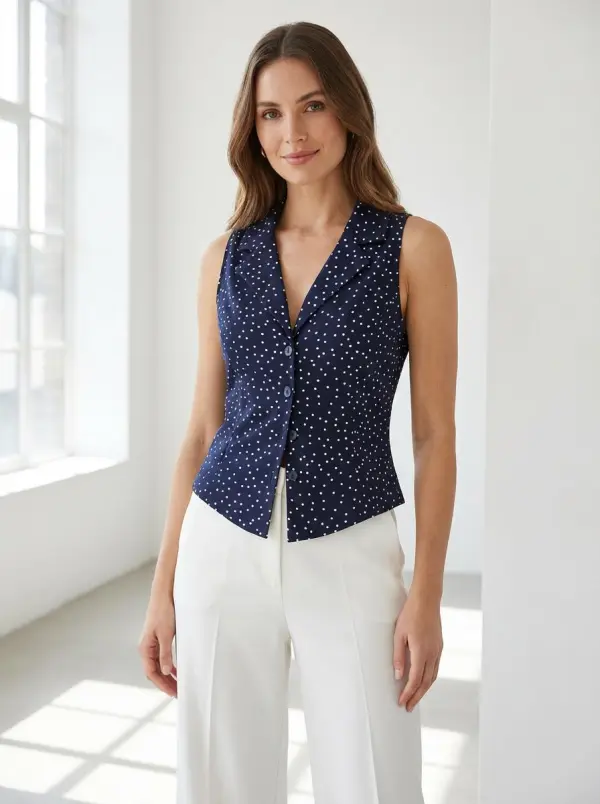
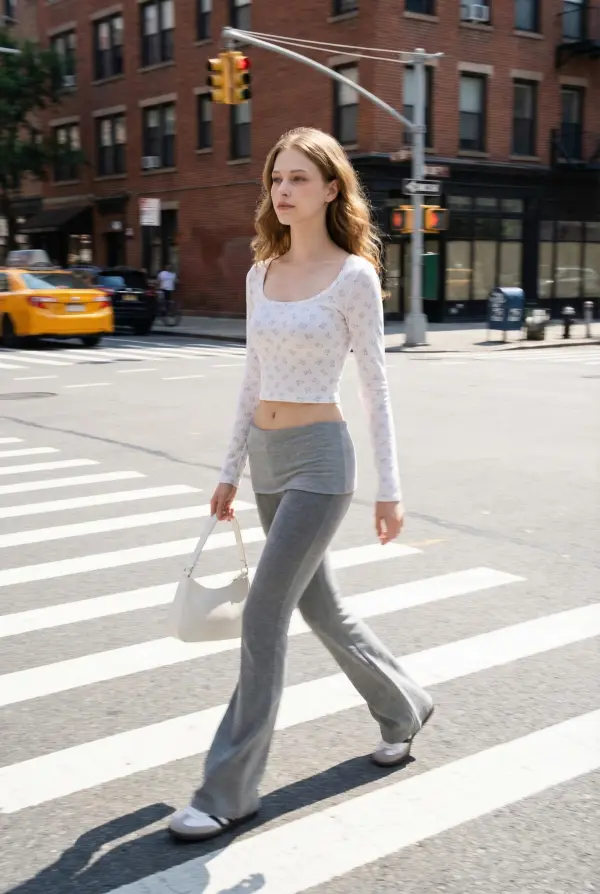
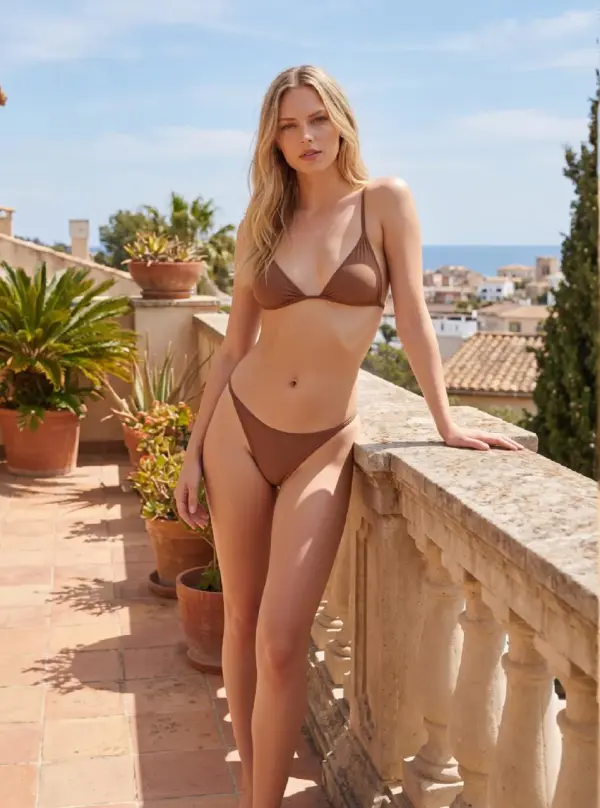
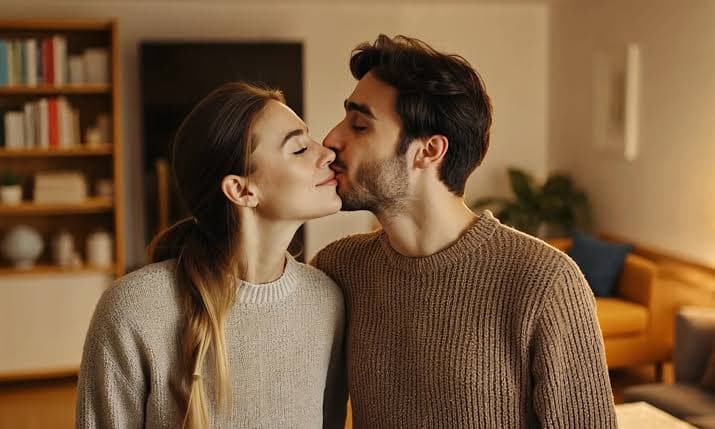
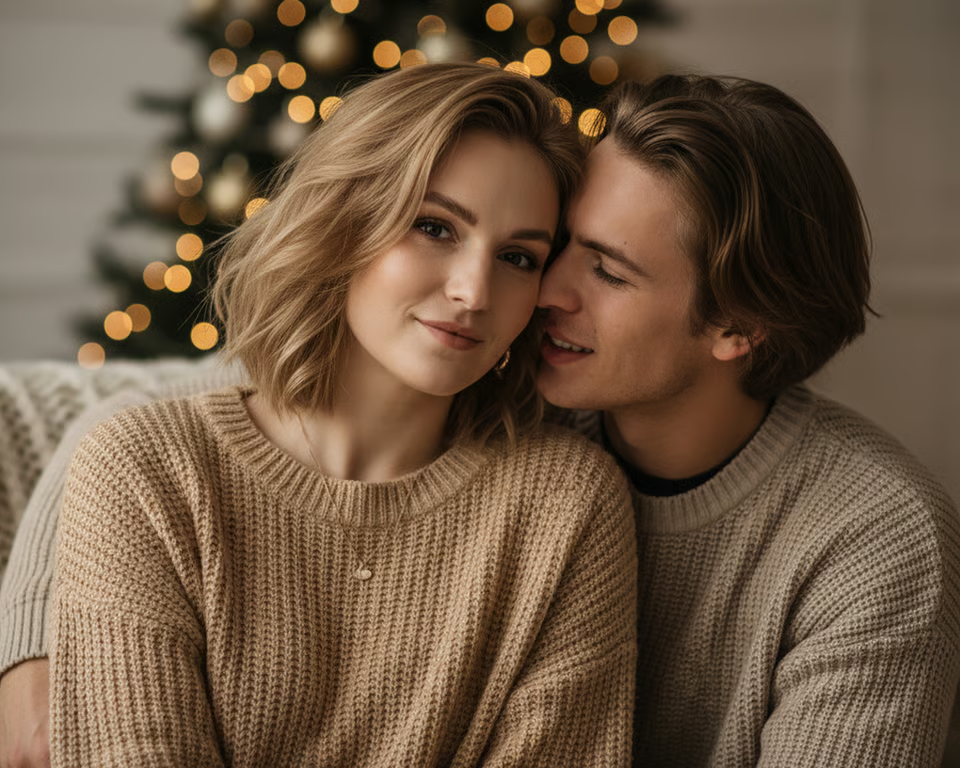
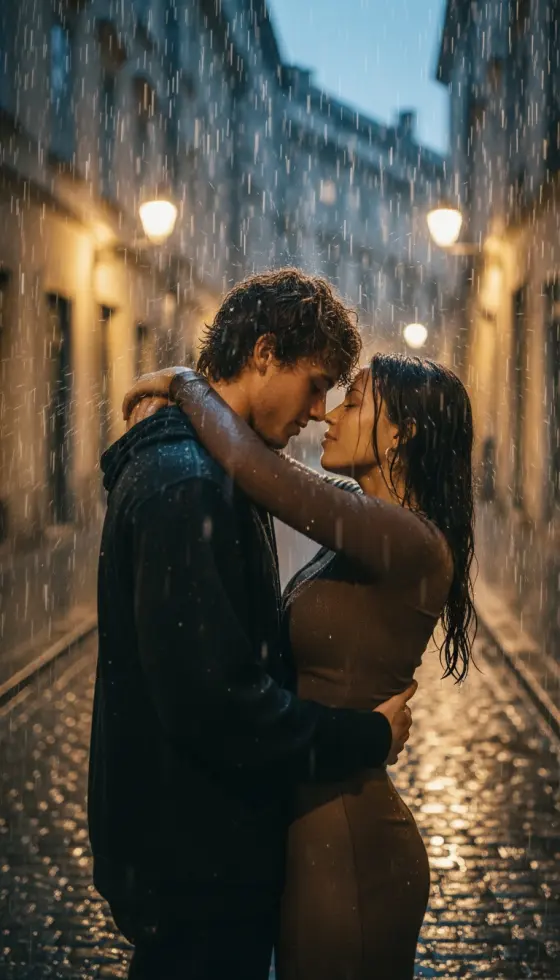
See the kind of transformations you can create with Image AI.
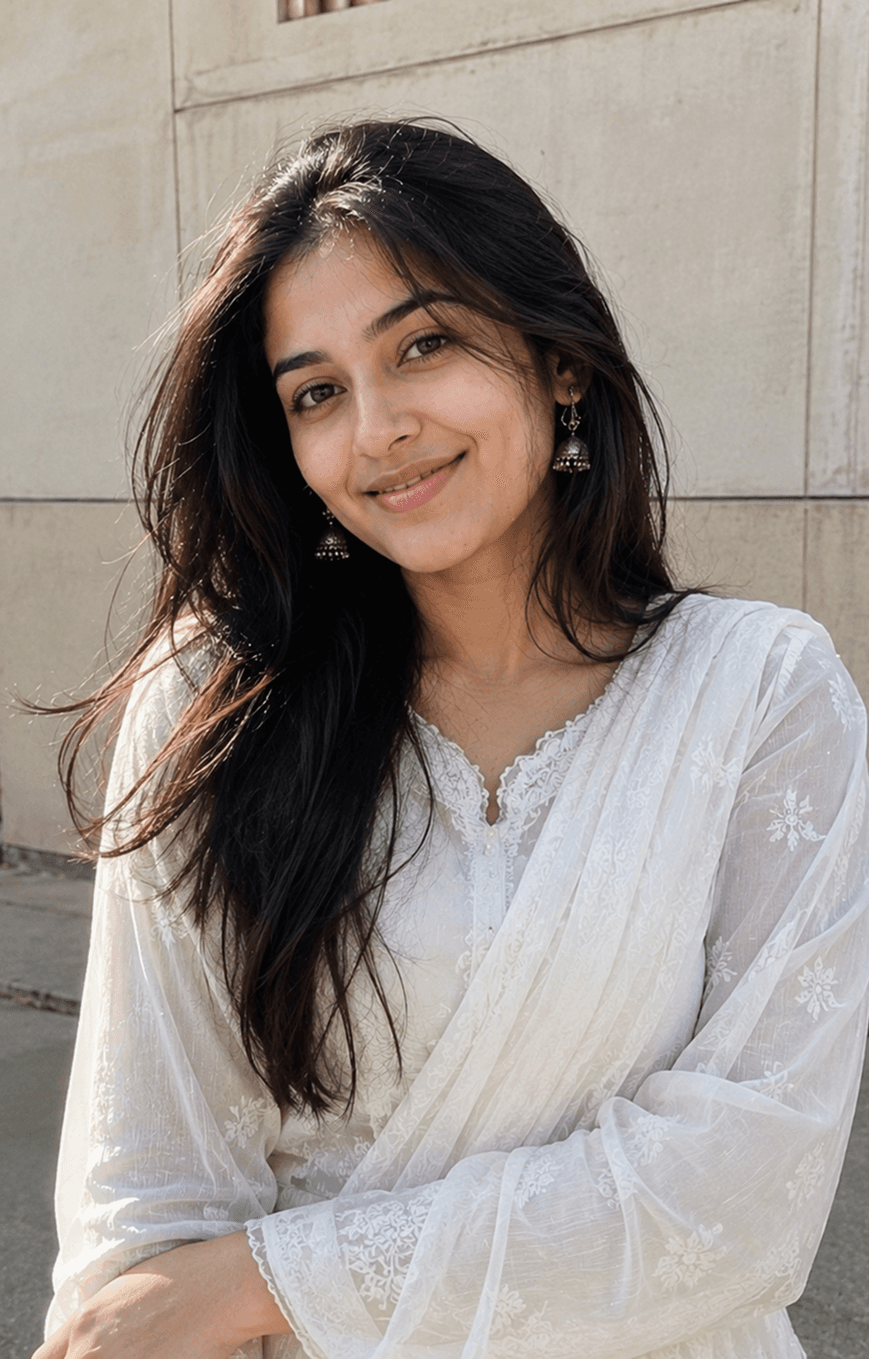
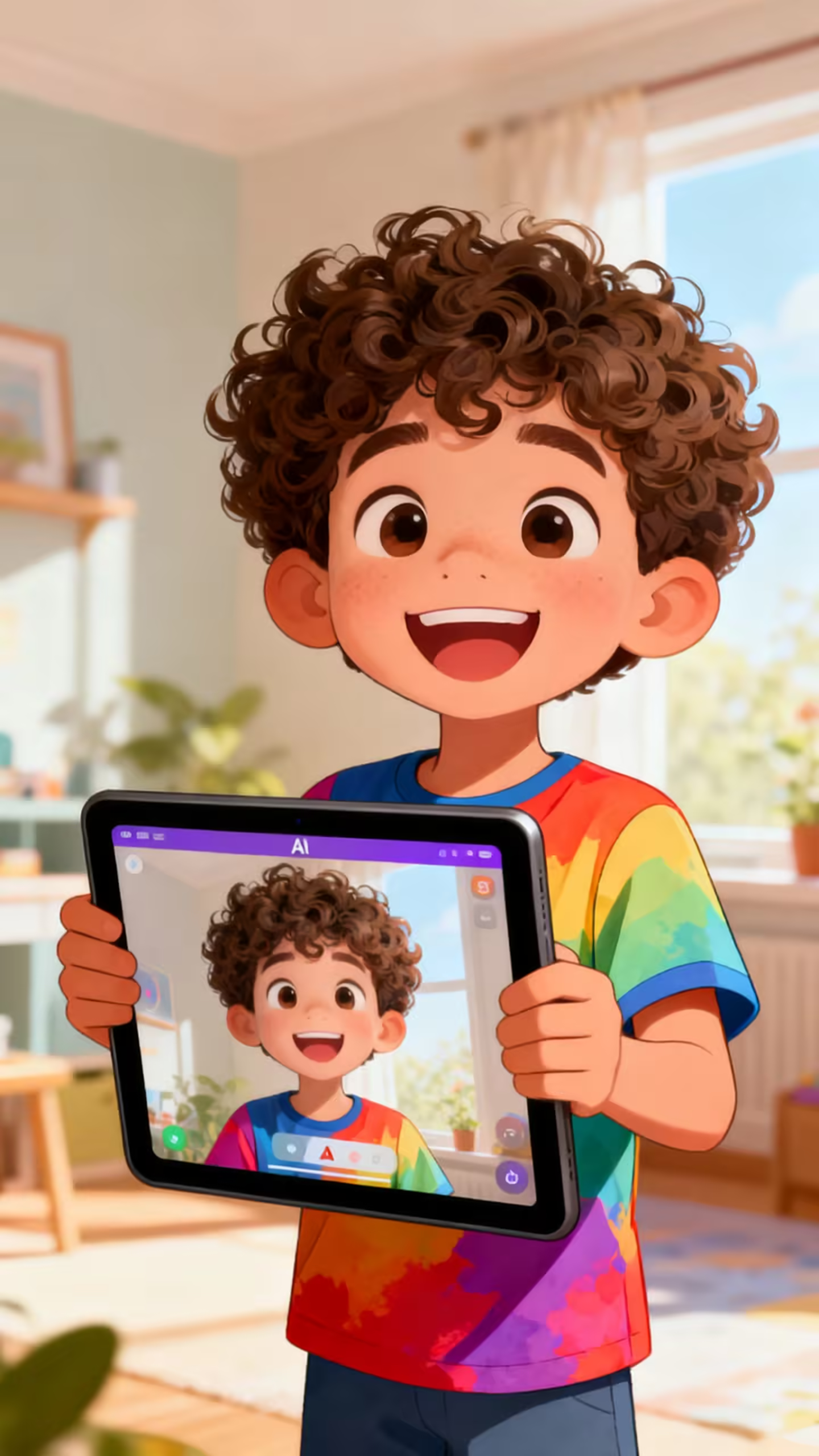
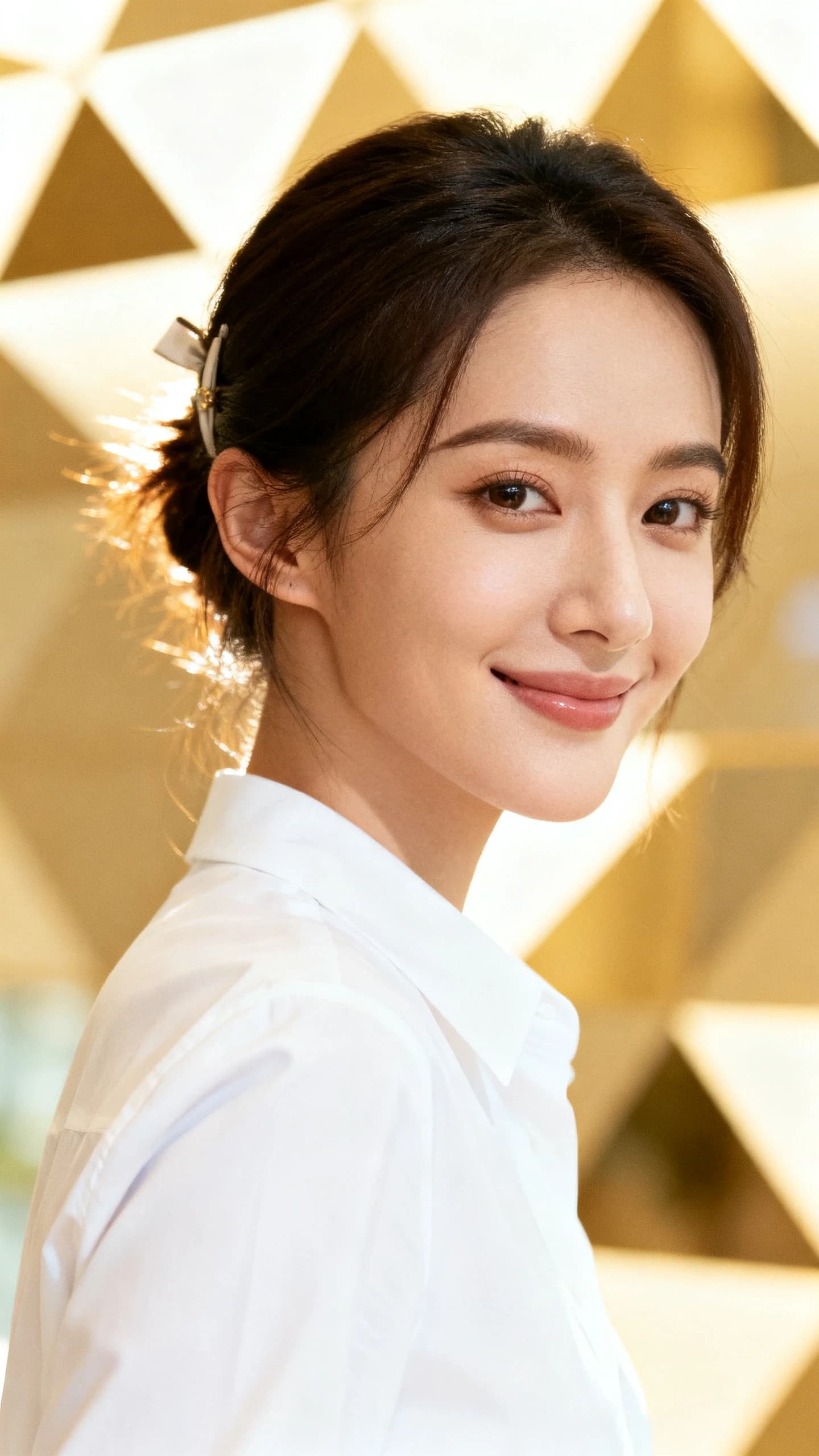
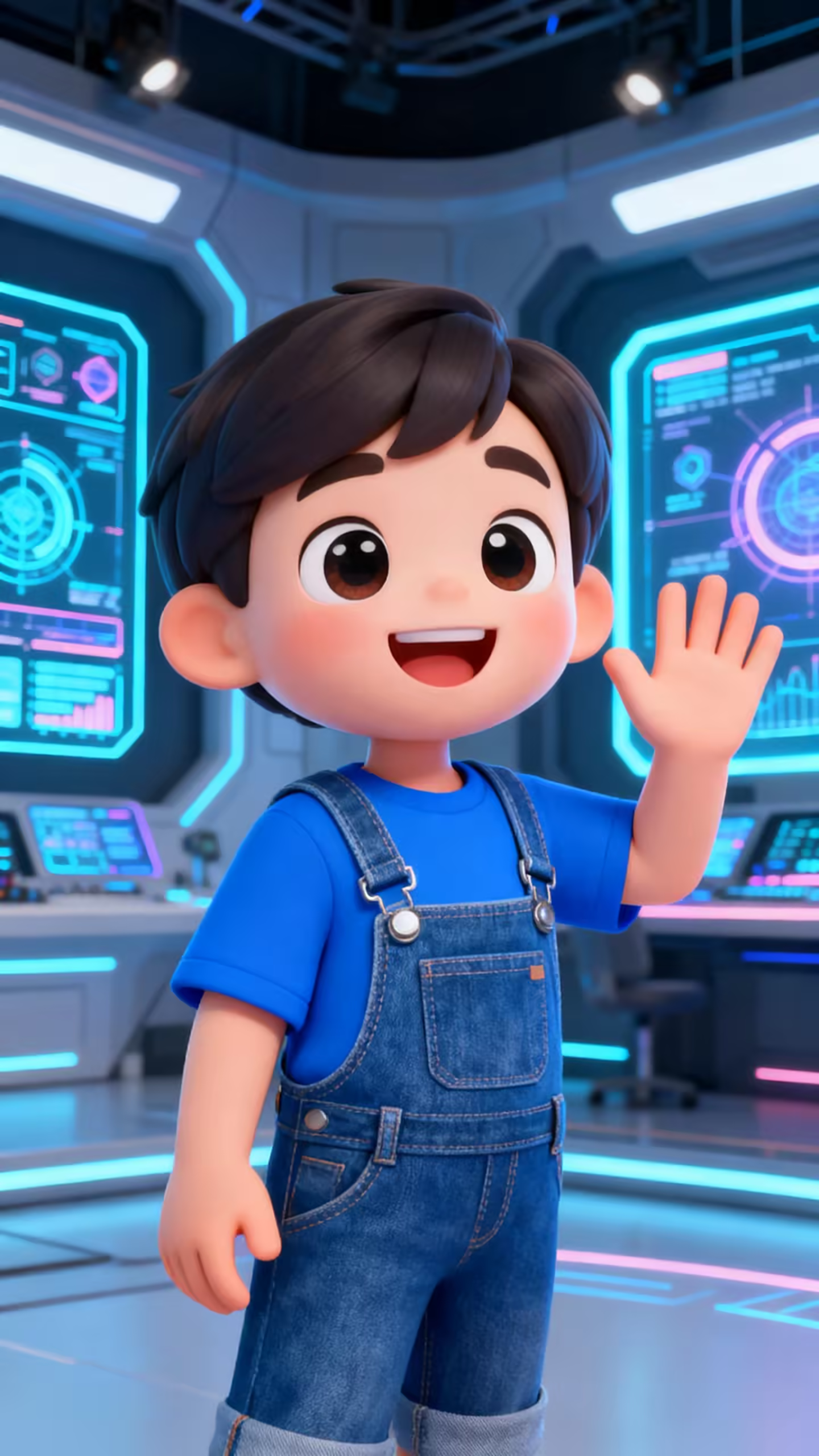
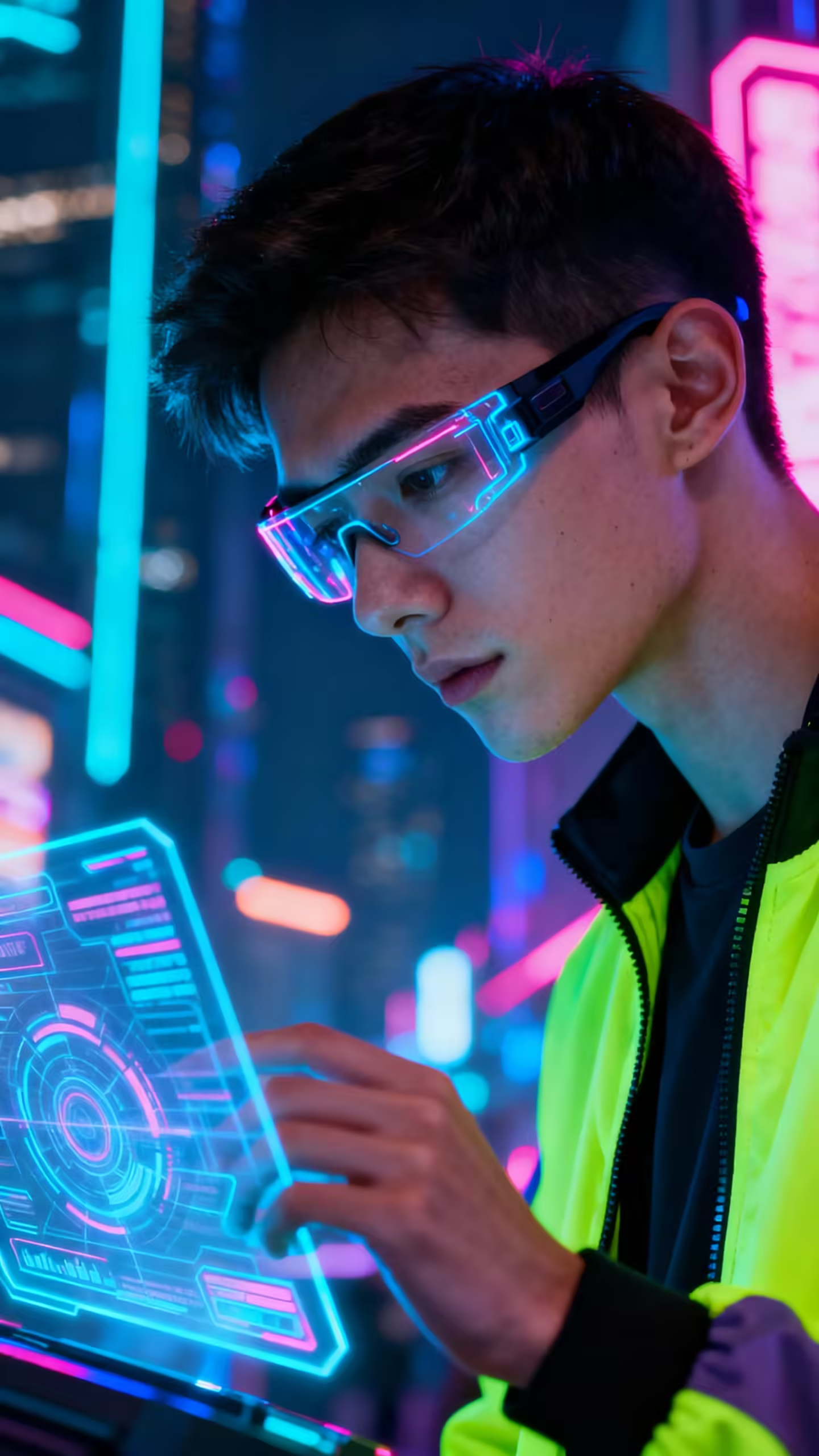
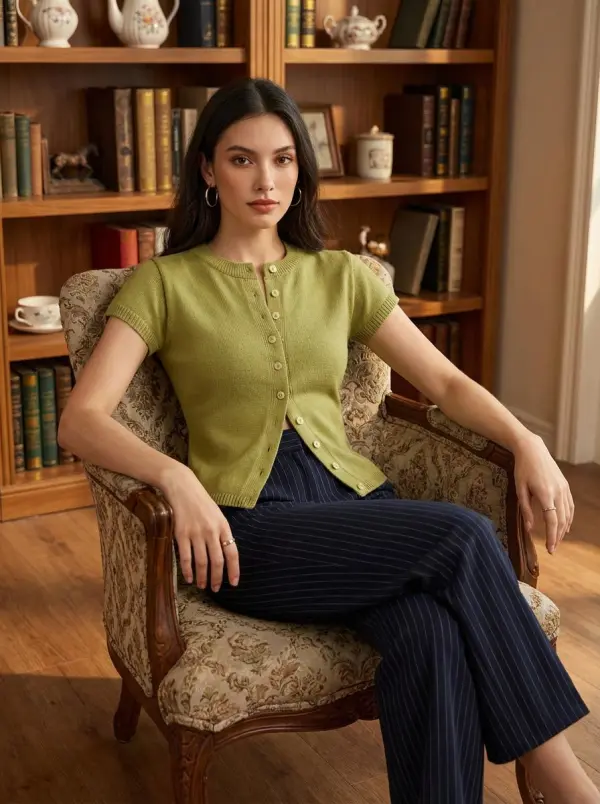
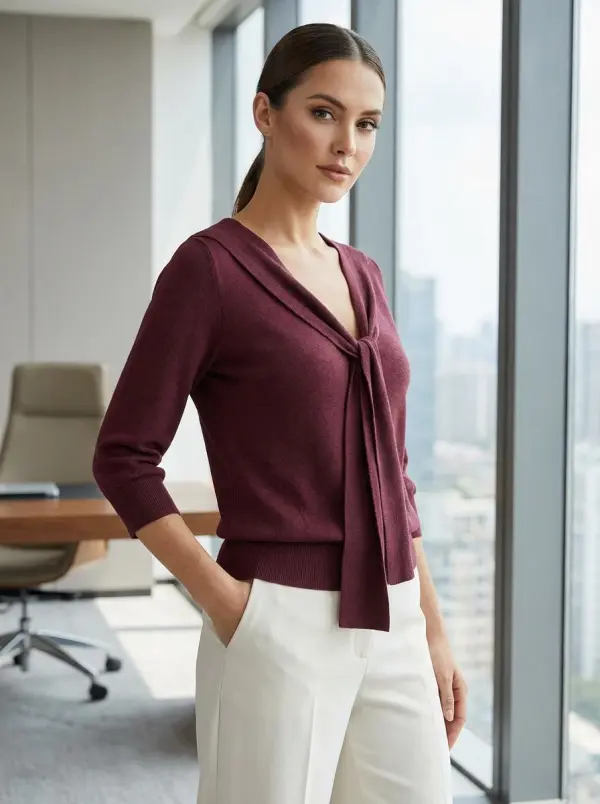
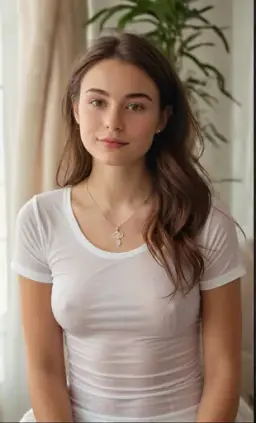
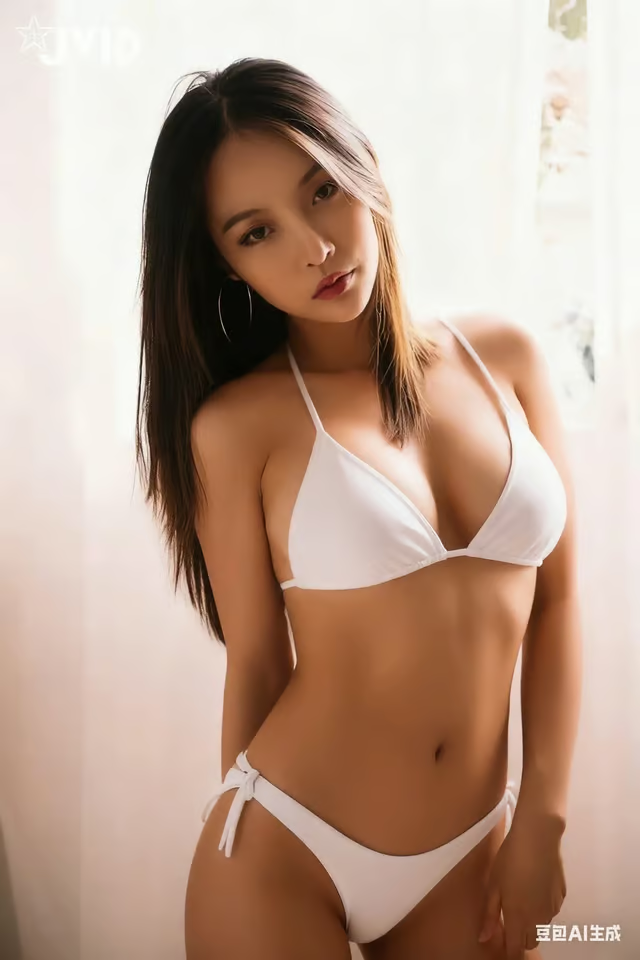
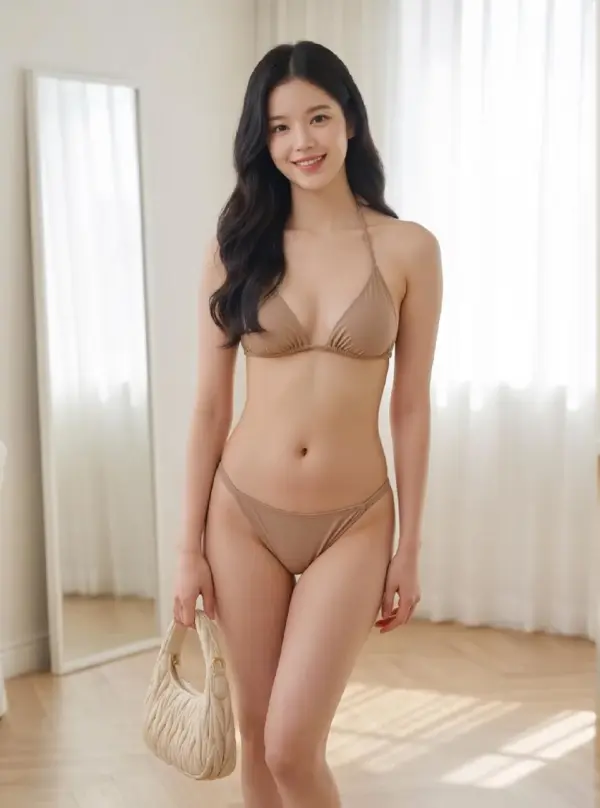
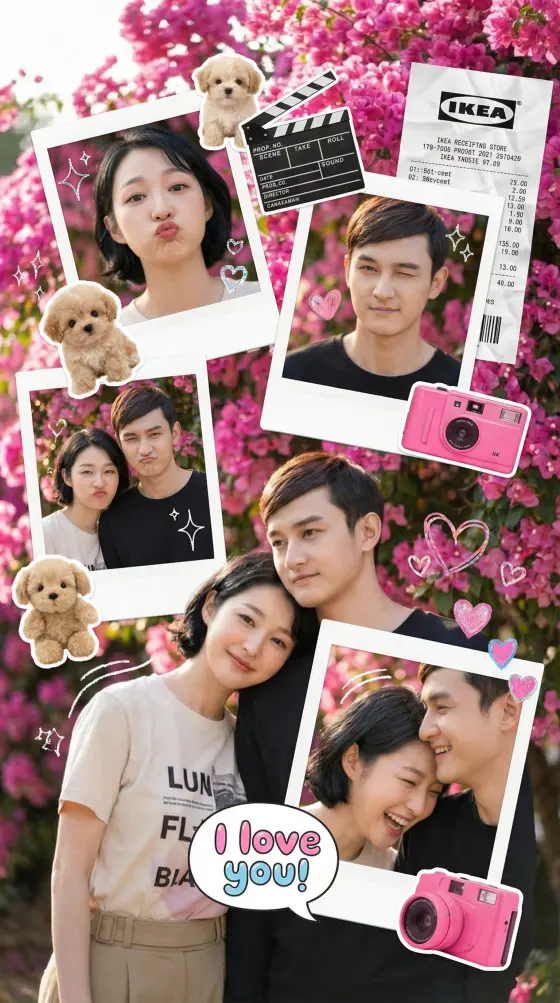
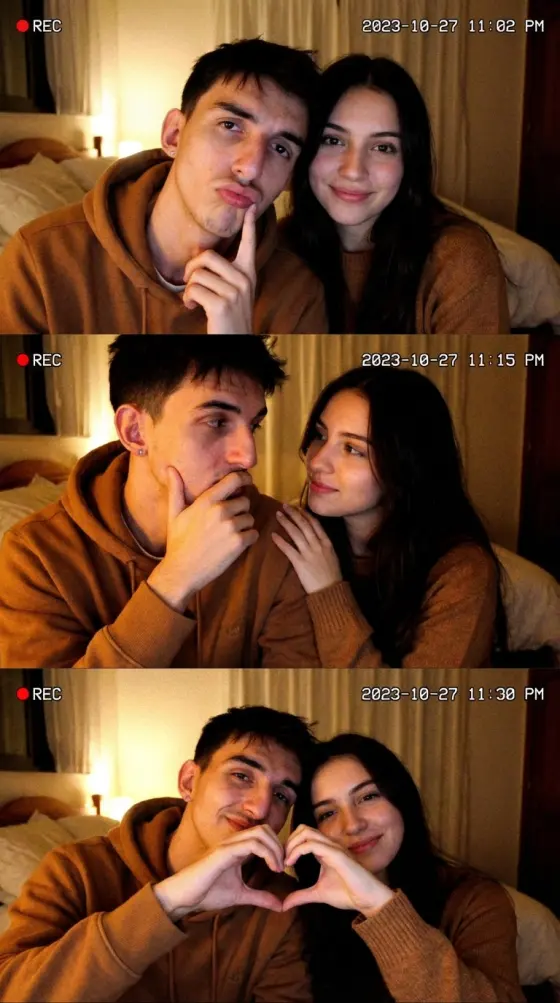
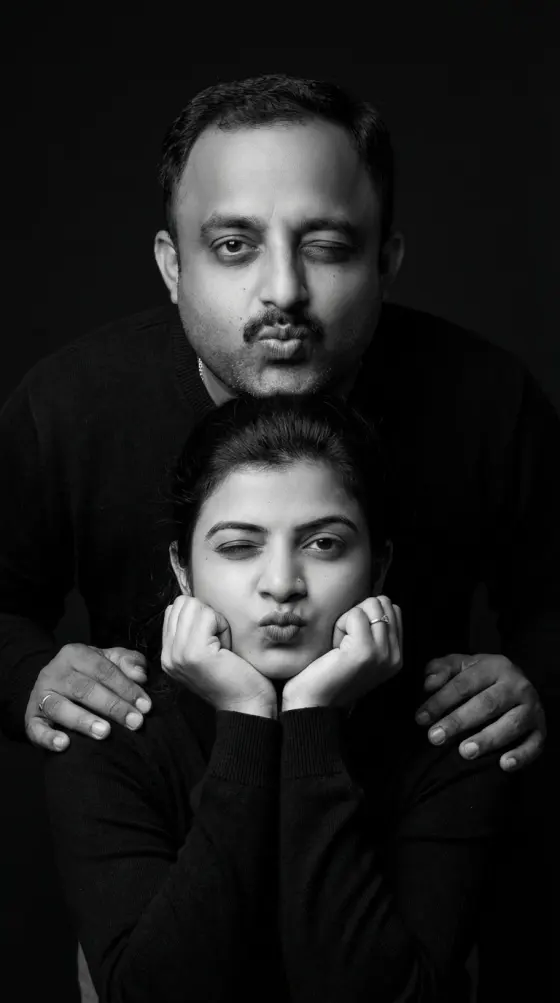
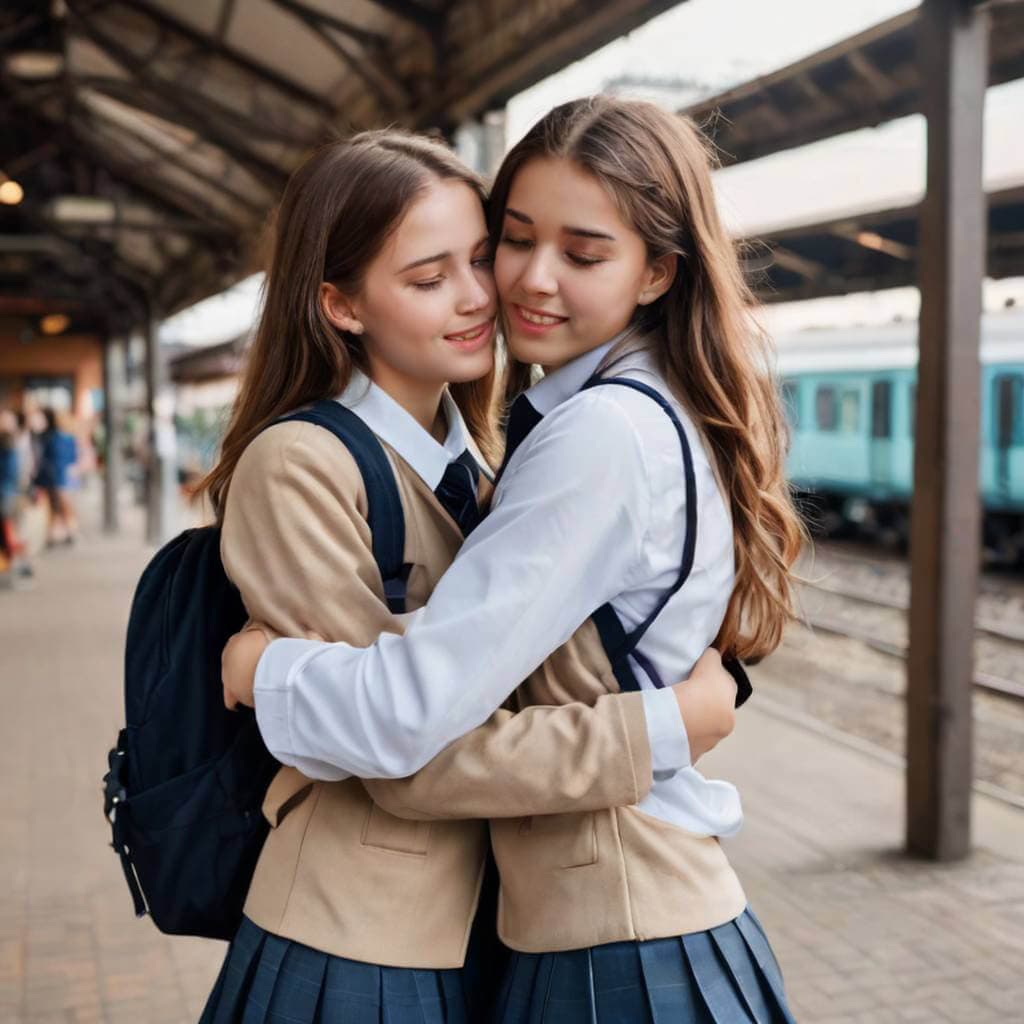
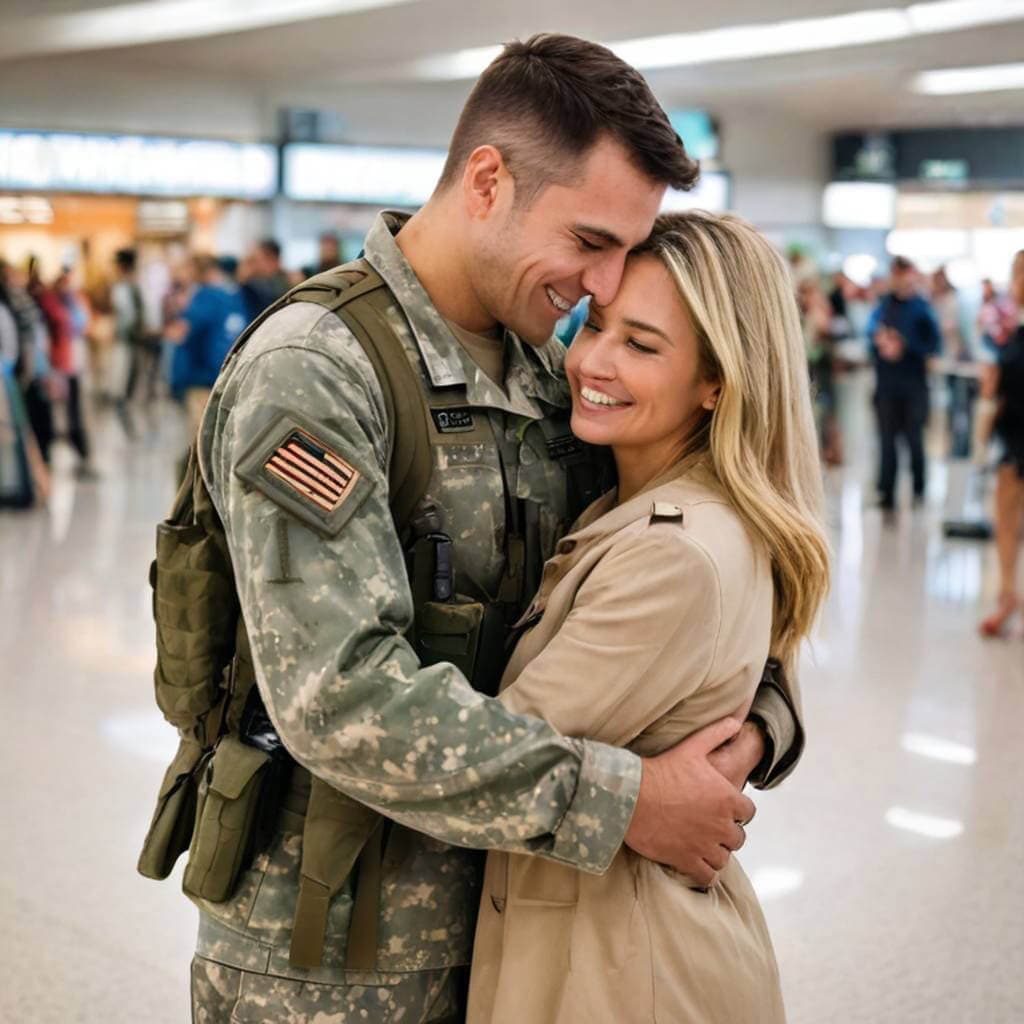
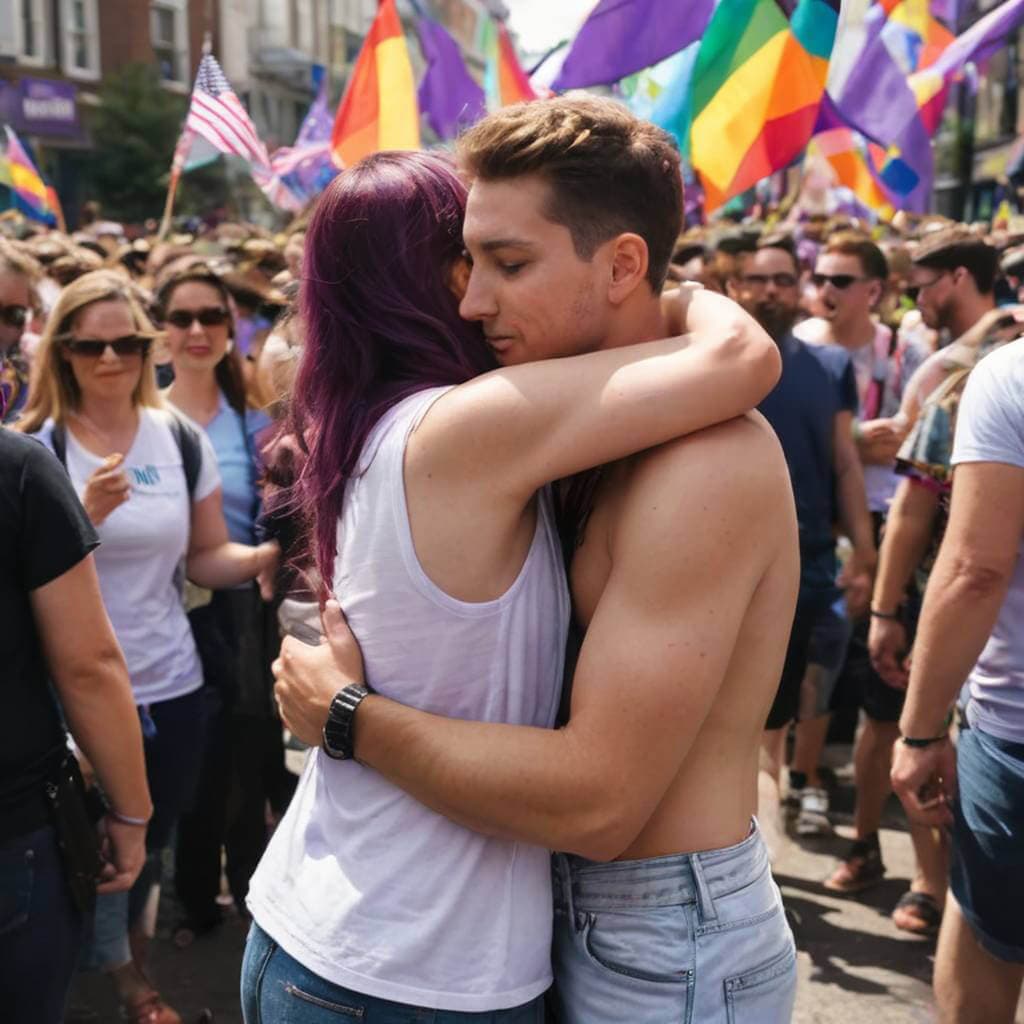
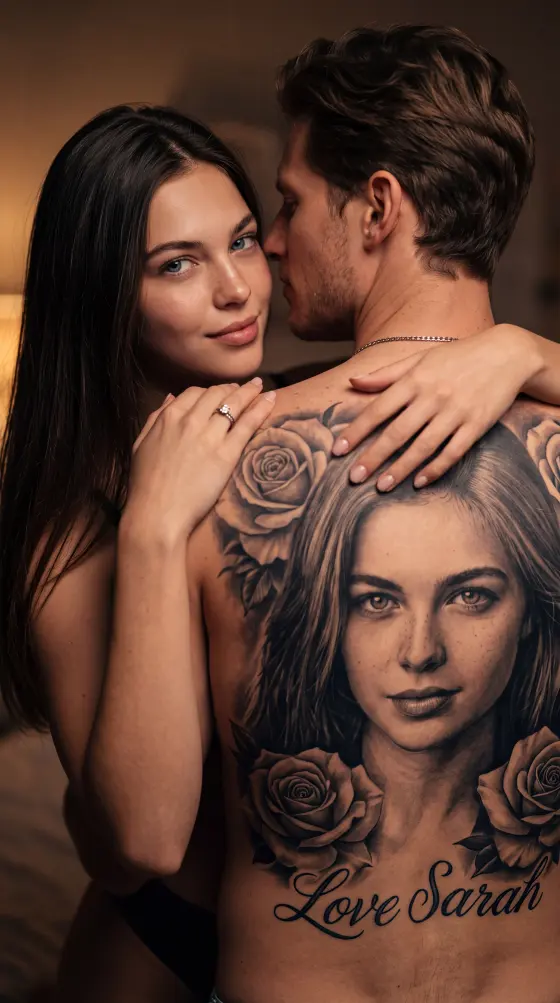
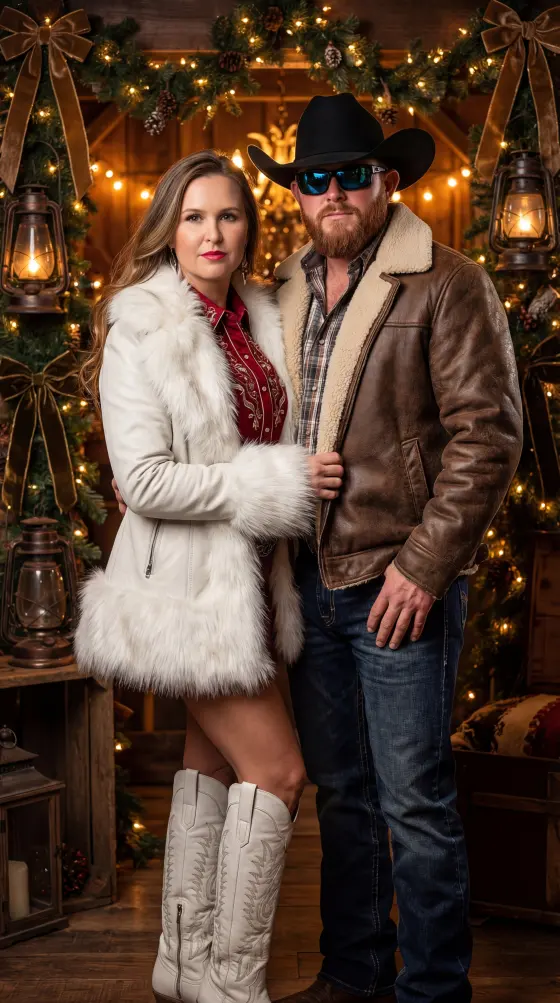
Before & after AI transformation
Pick the AI photo effect you want.
Upload your photo and optionally add a prompt.
Let AI create your new photo in seconds.
No subscriptions required. Choose a style, upload your photo, and unlock your AI result with a secure one-time payment.
AI Generator Studio is a set of focused creative tools. Use Image AI to edit portraits, change outfits, and create couple photos. Use Video AI when you want motion from a still image, a prompt, or a reference clip.
Face editing, clothes changing, and couple photo generators in one studio.
Image to video, multimodal generation, and motion control — live now.
Choose a tool, upload your files, describe the result, and download it.
An AI image generator creates or transforms a photo from the images and instructions you provide. In this studio, each Image AI tool is built for a specific job such as face editing or outfit changes.
Yes. Grok Imagine turns a still photo into video. Gemini Omni can also use an optional image with a text prompt, and Kling Motion Control animates a character from a photo plus a motion clip.
Use clear photos you have the right to use. Faces should be visible and well lit. Couple tools need two portraits. Avoid blurry, heavily cropped, or filtered images.